Team workflow comparison
Best Instagram Content Calendar Apps in 2026
Planable is the strongest approval-first calendar, Loomly is a practical small-team workspace, and Later works best when reviewers need to see the future Instagram grid. Choose around the review process, not the prettiest calendar screenshot.
Published and reviewed by the Roastagram team ·
How we picked these apps
We reviewed official documentation for calendar views, roles, comments, external review, approval states, version history, asset handling, publication safeguards, and pricing structure.
Features, prices, and access rules were checked against official vendor pages on . Prices and product interfaces can change, so confirm the current offer before paying.
#1 · Best for
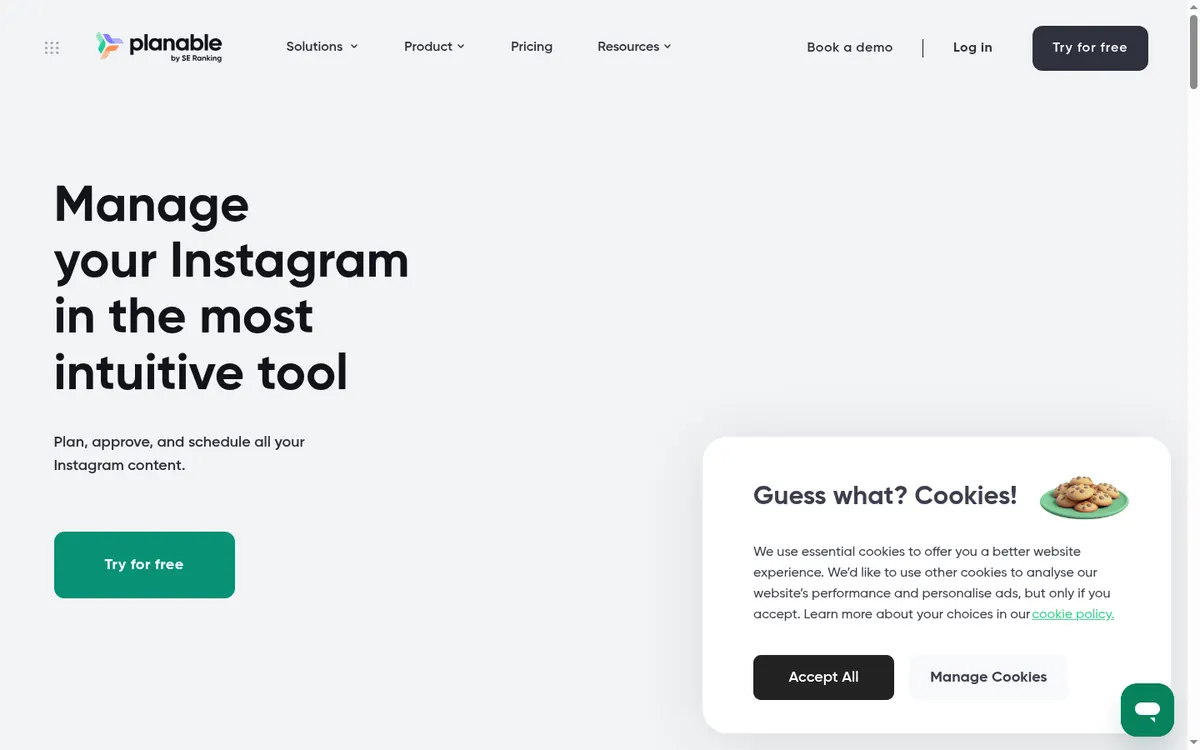
Planable
Agencies and brands that need visible review and approval before publishing.
Planable puts comments, annotations, versions, labels, approval states, and an Instagram grid preview in the same workspace. External reviewers can focus on the post instead of chasing screenshots through email.
Cost check
The official pricing page offers the first 50 posts free with no time limit.
Main limitation
Pricing is per workspace, and analytics and inbox features can be separate add-ons.
#2 · Best for
Loomly
A small in-house team that wants a structured brand calendar.
Loomly provides brand calendars, labels, previews, roles, approval workflows, reminders, reports, and Slack or Microsoft Teams notifications. Its calendar-first organization is useful when several campaigns overlap.
Cost check
Loomly offers paid plans and a no-card trial.
Main limitation
Custom roles, workflows, and branding are reserved for the highest tier.
#3 · Best for
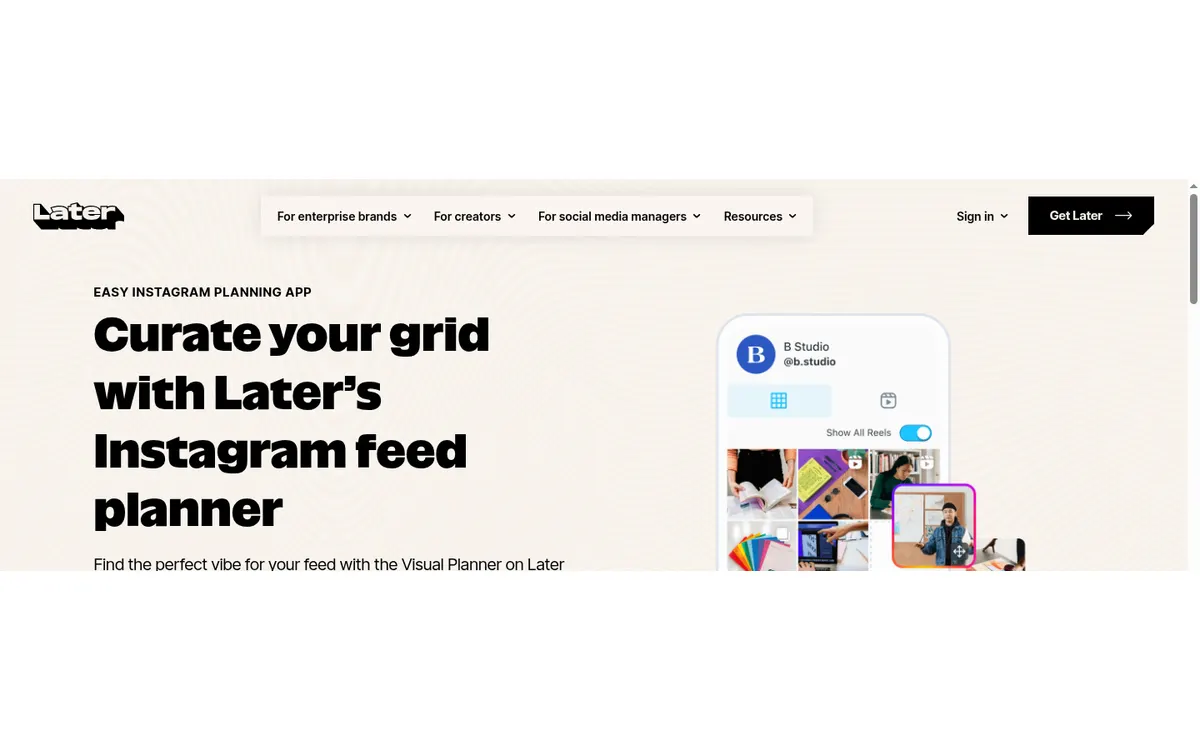
Later
Visual Instagram planning tied to a publishing calendar.
Later combines scheduling with a drag-and-drop grid preview, media library, best-time suggestions, analytics, and Link in Bio. It makes sense when the order and appearance of the next posts matter as much as their dates.
Cost check
Later documents a Free plan with limited scheduling. Paid tiers add more posts, profiles, users, analytics, and workflow features.
Main limitation
Approval features, users, analytics, and posting allowances depend on the plan. Some collaboration work is desktop-only.
#4 · Best for
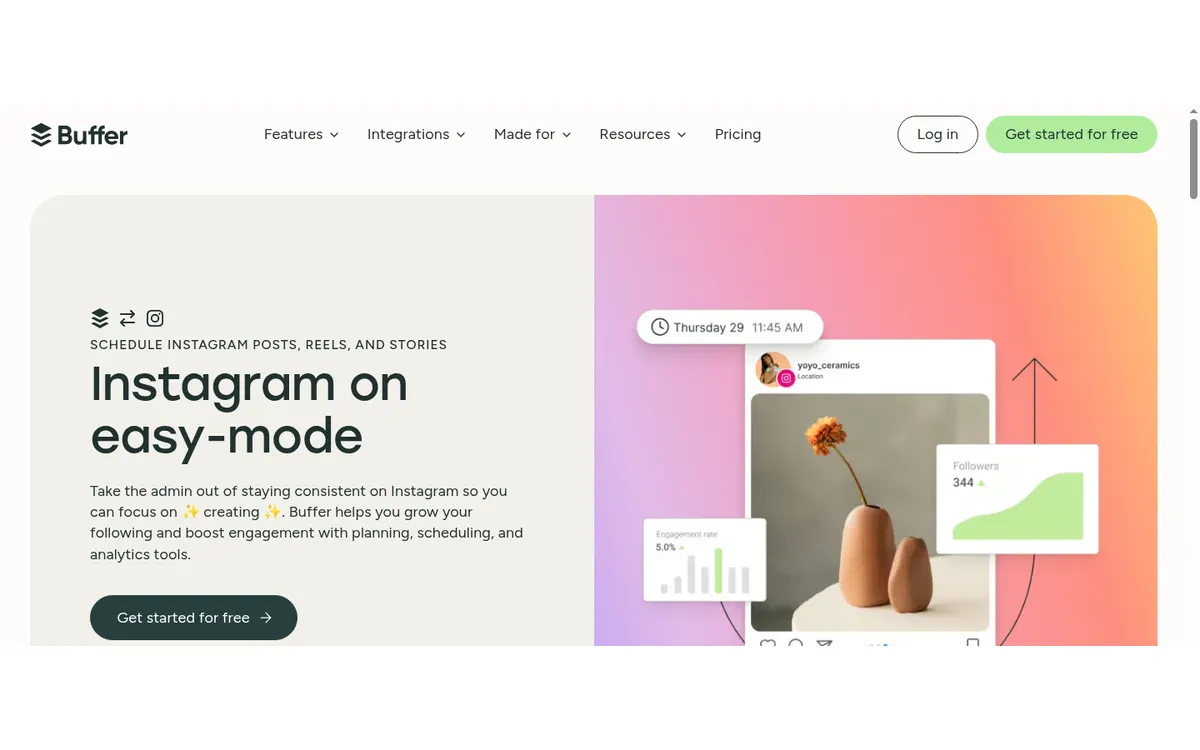
Buffer
Creators and small teams that want a scheduler they can understand quickly.
Buffer schedules Instagram posts, Stories, and Reels, supports first comments, and offers reminder-based publishing when a post needs native Instagram features. Its queue and calendar are less intimidating than a full enterprise dashboard.
Cost check
The official pricing page lists a free plan for up to three channels and 10 queued posts per channel.
Main limitation
Paid plans charge per connected channel, so costs rise when an agency adds many profiles.
#5 · Best for
Sendible
Agencies that want multiple client workspaces without per-seat pricing.
Sendible includes brand workspaces, calendar filters, client dashboards, content libraries, assignments, approvals, permissions, and reporting. Current plans advertise unlimited users.
Cost check
Sendible offers paid plans with a no-card trial.
Main limitation
The entry plan omits approval workflows, and profiles and workspaces scale in fixed bundles.
#6 · Best for
Sprout Social
Larger organizations that need governance and client-ready reporting.
Sprout compares profiles, brands, locations, competitors, campaigns, and paid and organic results. Publishing adds permissions, approval workflows, assets, optimal-send suggestions, and stakeholder reports.
Cost check
Sprout is a paid, per-seat product with a trial.
Main limitation
Per-seat pricing is hard to justify for small teams, and listening and advanced analytics can cost extra.
#7 · Best for
Hootsuite
Established teams that need publishing, inbox, analytics, and monitoring across networks.
Hootsuite combines scheduling with cross-network dashboards, competitor benchmarks, audience growth, content performance, posting-time recommendations, and formal approval options.
Cost check
Hootsuite's current plans page starts with paid subscriptions and a time-limited trial.
Main limitation
It is expensive for a creator who only needs Instagram. Advanced approvals and governance are tied to higher plans.
#8 · Best for
Agorapulse
Teams that want publishing approvals and community assignments together.
Agorapulse connects calendar work, approvals, assignments, notes, asset storage, bulk scheduling, reporting, and a shared inbox. That reduces the gap between publishing and replying.
Cost check
Agorapulse is paid per user and offers a trial.
Main limitation
Its shared external content-calendar features are attached to a costly higher tier.
Before you connect an account
An approval label does not always stop a scheduled post. Confirm whether pending content can still publish, who can bypass review, and what happens when approval misses the scheduled time.
Use Meta's authorization screen where available, review requested permissions, enable two-factor authentication, and remove tools you no longer use. Never send an Instagram password to an unknown app or person.
Questions about instagram content calendars
What is the best Instagram content calendar for approvals?
Planable is the clearest approval-first choice for agencies and brands. Sprout Social and Hootsuite suit larger governance requirements at a much higher cost.
Can clients approve Instagram posts without an account?
Some tools offer external review links, but link expiry, passwords, permissions, and the ability to publish while approval is pending vary by vendor.
Do I need a calendar app if I work alone?
A solo creator may be better served by Buffer, Later, or Metricool. Dedicated approval software earns its cost when several people review content.
Should a calendar include Stories and Reels?
Yes, but check the exact workflow. Some products plan Stories visually while excluding them from approval or automatic publishing.
Keep improving
Related Instagram guides
App comparison
Instagram Scheduling Apps
Compare the best Instagram scheduling apps for creators, small businesses, agencies, approvals, visual feed planning, analytics, and free publishing.
Read guide →Planning worksheet
Plan Your Instagram Grid
Build a flexible nine-tile plan around orientation, proof, useful posts, personality, and a clear next step.
Read guide →Caption writing guide
How to Write an Instagram Caption
Write clearer Instagram captions with a strong first line, useful context, an honest next action, and an accessibility check.
Read guide →