App comparison
Best Instagram Scheduling Apps in 2026
Buffer is the best starting point for most creators, Later wins for visual feed planning, and Planable is the better fit when posts need client approval. The right choice depends on how many accounts, reviewers, and non-Instagram channels you manage.
Published and reviewed by the Roastagram team ·
How we picked these apps
We checked official scheduling, pricing, and help pages for auto-publishing, reminders, Reels and Stories support, grid previews, approvals, analytics, account limits, and current trial or free-plan claims.
Features, prices, and access rules were checked against official vendor pages on . Prices and product interfaces can change, so confirm the current offer before paying.
#1 · Best for
Buffer
Creators and small teams that want a scheduler they can understand quickly.
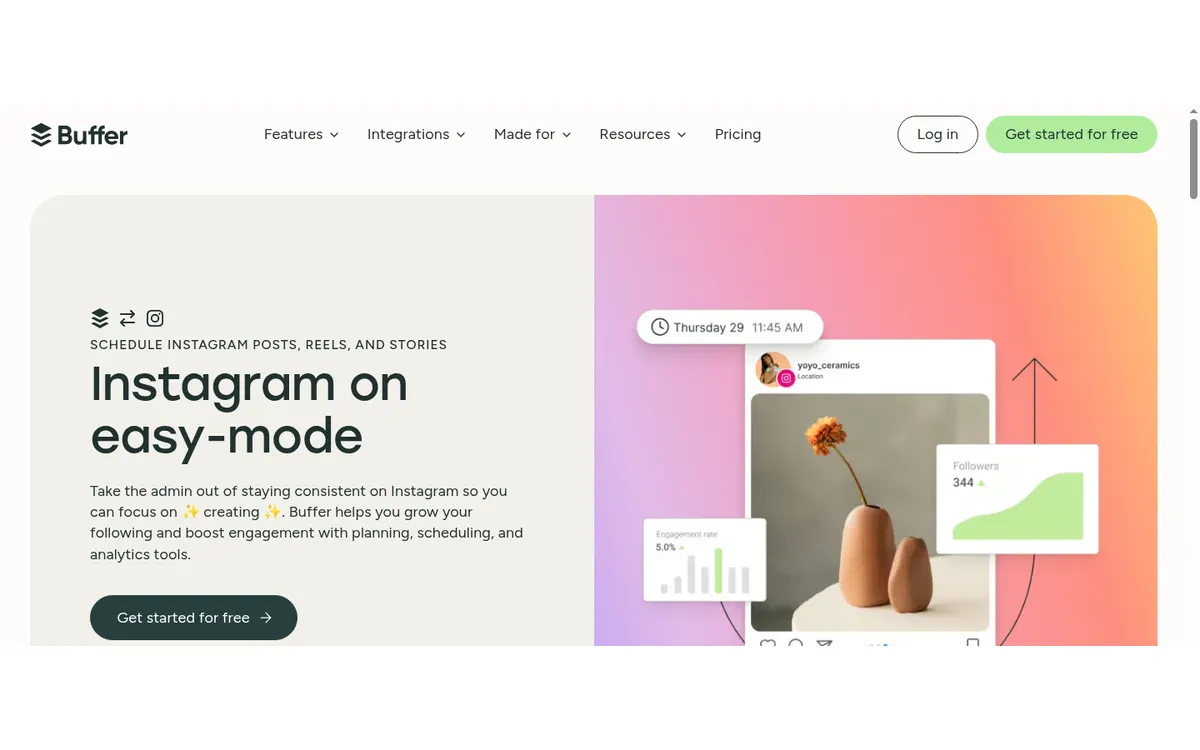
Buffer schedules Instagram posts, Stories, and Reels, supports first comments, and offers reminder-based publishing when a post needs native Instagram features. Its queue and calendar are less intimidating than a full enterprise dashboard.
Cost check
The official pricing page lists a free plan for up to three channels and 10 queued posts per channel.
Main limitation
Paid plans charge per connected channel, so costs rise when an agency adds many profiles.
#2 · Best for
Later
Visual Instagram planning tied to a publishing calendar.
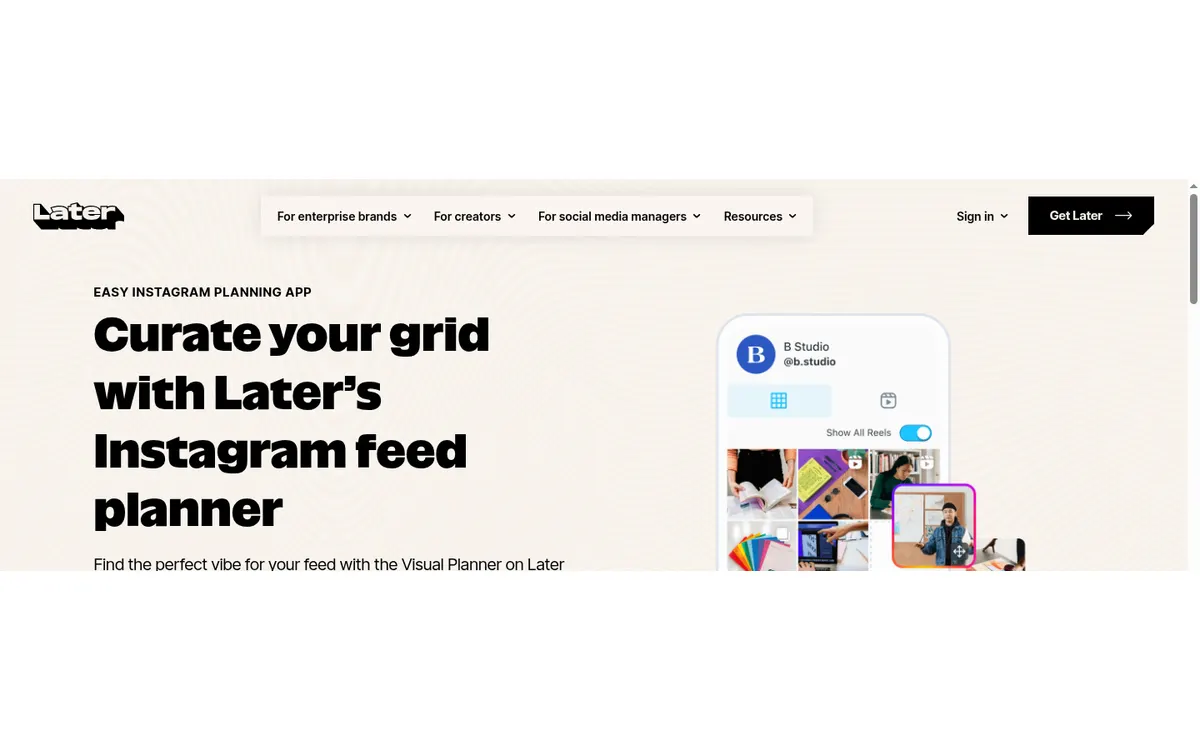
Later combines scheduling with a drag-and-drop grid preview, media library, best-time suggestions, analytics, and Link in Bio. It makes sense when the order and appearance of the next posts matter as much as their dates.
Cost check
Later documents a Free plan with limited scheduling. Paid tiers add more posts, profiles, users, analytics, and workflow features.
Main limitation
Approval features, users, analytics, and posting allowances depend on the plan. Some collaboration work is desktop-only.
#3 · Best for
Metricool
Solo marketers who want scheduling, account analytics, competitors, and ad reporting together.
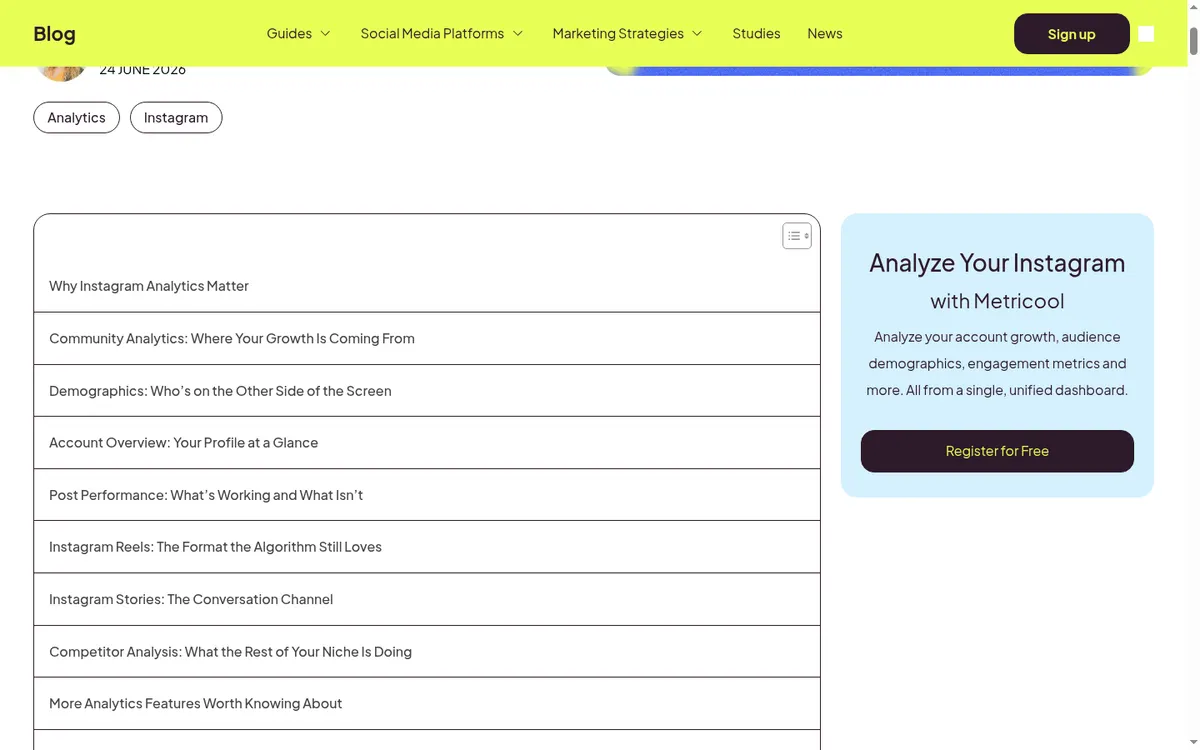
Metricool connects content planning with growth, engagement, audience, competitor, and advertising reports. Its planner also includes a feed preview, best-time data, first comments, and CSV planning.
Cost check
Metricool lists a limited free plan for one brand; team and approval controls sit on higher tiers.
Main limitation
Useful Instagram audience metrics require a professional account, and some Meta-supplied demographics require at least 100 followers.
#5 · Best for
Planable
Agencies and brands that need visible review and approval before publishing.
Planable puts comments, annotations, versions, labels, approval states, and an Instagram grid preview in the same workspace. External reviewers can focus on the post instead of chasing screenshots through email.
Cost check
The official pricing page offers the first 50 posts free with no time limit.
Main limitation
Pricing is per workspace, and analytics and inbox features can be separate add-ons.
#6 · Best for
Meta Business Suite
Businesses managing only Instagram and Facebook.
Meta's own tool schedules posts, Stories, and Reels and combines drafts, previews, inbox activity, media, and cross-Meta reporting. It avoids adding another publisher between the account and Meta.
Cost check
Meta describes Business Suite as free.
Main limitation
It is a Meta-only workspace, not a cross-network calendar, and setup normally depends on a connected Facebook Page and the right asset permissions.
#7 · Best for
Hootsuite
Established teams that need publishing, inbox, analytics, and monitoring across networks.
Hootsuite combines scheduling with cross-network dashboards, competitor benchmarks, audience growth, content performance, posting-time recommendations, and formal approval options.
Cost check
Hootsuite's current plans page starts with paid subscriptions and a time-limited trial.
Main limitation
It is expensive for a creator who only needs Instagram. Advanced approvals and governance are tied to higher plans.
#8 · Best for
Sprout Social
Larger organizations that need governance and client-ready reporting.
Sprout compares profiles, brands, locations, competitors, campaigns, and paid and organic results. Publishing adds permissions, approval workflows, assets, optimal-send suggestions, and stakeholder reports.
Cost check
Sprout is a paid, per-seat product with a trial.
Main limitation
Per-seat pricing is hard to justify for small teams, and listening and advanced analytics can cost extra.
Before you connect an account
Native Instagram elements such as trending audio, stickers, or certain collaborations may still require a reminder and a final step inside Instagram. A scheduler should explain that boundary rather than promise impossible full automation.
Use Meta's authorization screen where available, review requested permissions, enable two-factor authentication, and remove tools you no longer use. Never send an Instagram password to an unknown app or person.
Questions about instagram scheduling apps
What is the best free Instagram scheduler?
Buffer, Later, Metricool, Planable, and Meta Business Suite offer useful free access with different limits. Meta Business Suite is the cleanest free choice for Instagram and Facebook only.
Can Instagram schedulers publish Reels and Stories automatically?
Many can, but posts that depend on native audio, stickers, or unsupported elements may require a notification and final action in Instagram.
Is it safe to use an Instagram scheduling app?
Prefer products that connect through Meta authorization. Never give an unknown scheduler your Instagram password directly.
Which scheduler is best for visual grid planning?
Later has the clearest scheduling-plus-grid workflow, while dedicated planners such as UNUM provide more visual art-direction controls.
Keep improving
Related Instagram guides
Team workflow comparison
Instagram Content Calendars
Compare Instagram content calendar apps for planning, comments, client approvals, roles, asset libraries, campaign visibility, and team publishing.
Read guide →Analytics comparison
Instagram Analytics Apps
Compare Instagram analytics apps for first-party insights, follower growth, content reporting, competitors, exports, teams, and multiple profiles.
Read guide →Caption writing guide
How to Write an Instagram Caption
Write clearer Instagram captions with a strong first line, useful context, an honest next action, and an accessibility check.
Read guide →
#4 · Best for
SocialBee
Evergreen accounts that publish from repeatable content categories.
SocialBee organizes posts into category queues, such as tips, testimonials, promotions, and product education. It can recycle evergreen material while still scheduling Reels, carousels, Stories, and collaborative posts.
Cost check
SocialBee advertises a trial but no permanent free plan on its current pricing page.
Main limitation
The entry plan is single-user, and approvals and larger collaboration features require more expensive tiers.