Safe follower analytics
Best Instagram Follower Tracking Apps in 2026
Use follower tracking to understand aggregate growth, not to spy on named users. Instagram Insights is the safest baseline, Metricool and Buffer simplify trend reporting, and enterprise tools help compare several brands or locations.
Published and reviewed by the Roastagram team ·
How we picked these apps
We included tools that document approved growth, audience, and reporting features. We excluded apps whose main pitch is revealing named unfollowers, blockers, secret admirers, or mass-unfollowing accounts.
Features, prices, and access rules were checked against official vendor pages on . Prices and product interfaces can change, so confirm the current offer before paying.
#1 · Best for
Instagram Insights
Creators and businesses starting with first-party Instagram data.
Insights reports reach, engagement, views, content performance, audience activity, and follower trends directly inside Instagram. It should be the baseline before paying for a third-party dashboard.
Follower check: native Insights reports aggregate follows, unfollows, net growth, audience locations, age ranges, and active times when the account meets Meta's thresholds. It does not document a named-unfollower list.
Cost check
Instagram Insights is included for public personal and professional accounts.
Main limitation
It is available to public personal and professional accounts. Follower trends require at least 100 followers, while audience demographics require reaching or engaging more than 100 viewers.
#2 · Best for
Meta Business Suite
Businesses managing only Instagram and Facebook.
Meta's own tool schedules posts, Stories, and Reels and combines drafts, previews, inbox activity, media, and cross-Meta reporting. It avoids adding another publisher between the account and Meta.
Follower check: Business Suite connects audience growth with organic posts, ads, and Facebook activity. It is useful for business reporting, but still reports aggregate audience movement rather than the identity of every person who left.
Cost check
Meta describes Business Suite as free.
Main limitation
It is a Meta-only workspace, not a cross-network calendar, and setup normally depends on a connected Facebook Page and the right asset permissions.
#3 · Best for
Buffer Insights
Straightforward growth and content reports for a small team.
Buffer presents follower changes, top posts, engagement, benchmarks, and cross-channel summaries without the density of an enterprise analytics suite.
Follower check: Buffer shows follower change alongside publishing and post performance, which helps connect a gain or drop with what the account published. Free access covers core Insights; paid access extends history and exports.
Cost check
Core Insights is included on Buffer's Free plan. Paid plans add longer history and client-ready exports.
Main limitation
Longer history and export features depend on paid access, and Buffer is not a social-listening platform.
#4 · Best for
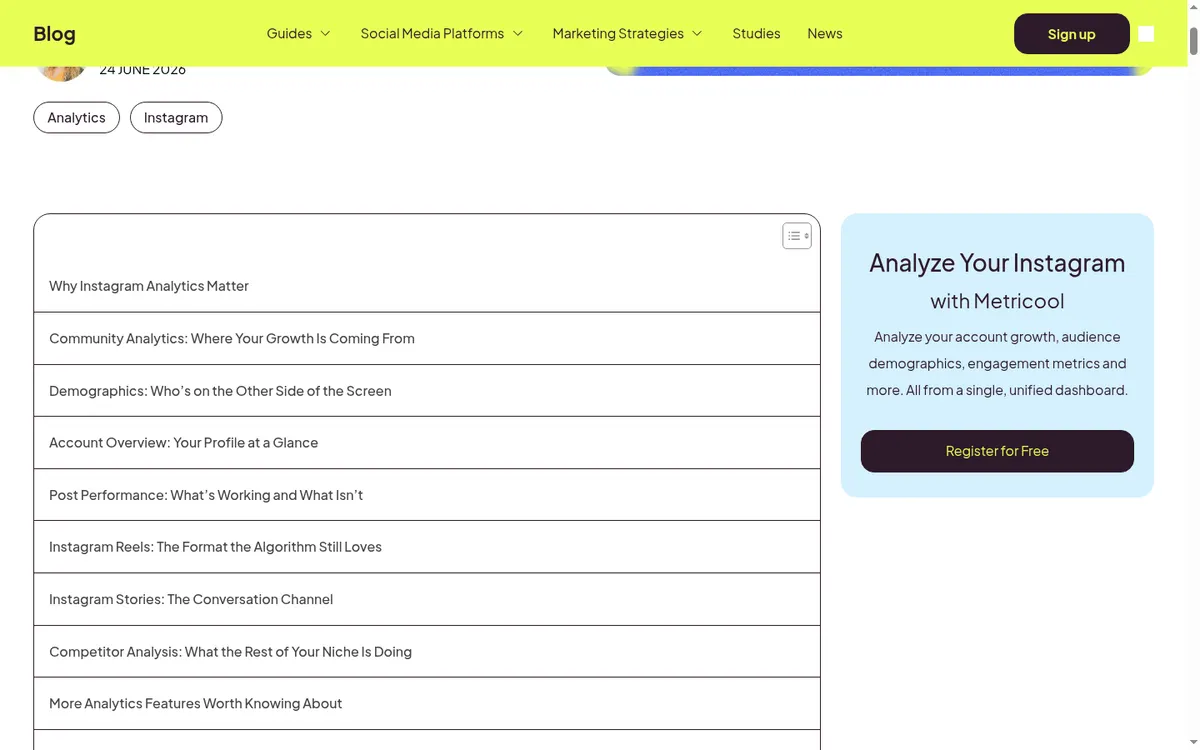
Metricool
Solo marketers who want scheduling, account analytics, competitors, and ad reporting together.
Metricool connects content planning with growth, engagement, audience, competitor, and advertising reports. Its planner also includes a feed preview, best-time data, first comments, and CSV planning.
Follower check: Metricool tracks community growth, follower balance, demographics, and active periods. Meta's professional-account and 100-follower thresholds still apply to relevant audience fields.
Cost check
Metricool lists a limited free plan for one brand; team and approval controls sit on higher tiers.
Main limitation
Useful Instagram audience metrics require a professional account, and some Meta-supplied demographics require at least 100 followers.
#5 · Best for
Later Analytics
Creators already scheduling visual content in Later.
Later combines follower growth, audience activity, post, Reel, Story, and hashtag results with the same workflow used to plan content.
Follower check: Later reports profile growth and audience activity for Creator and Business accounts. Audience Analytics requires at least 100 followers, and available history and metrics depend on the connected plan and device.
Cost check
Analytics depth depends on the paid Later plan.
Main limitation
It requires a Creator or Business profile. Audience details require enough followers, several metrics need higher plans, and full analytics are not available on Android.
#6 · Best for
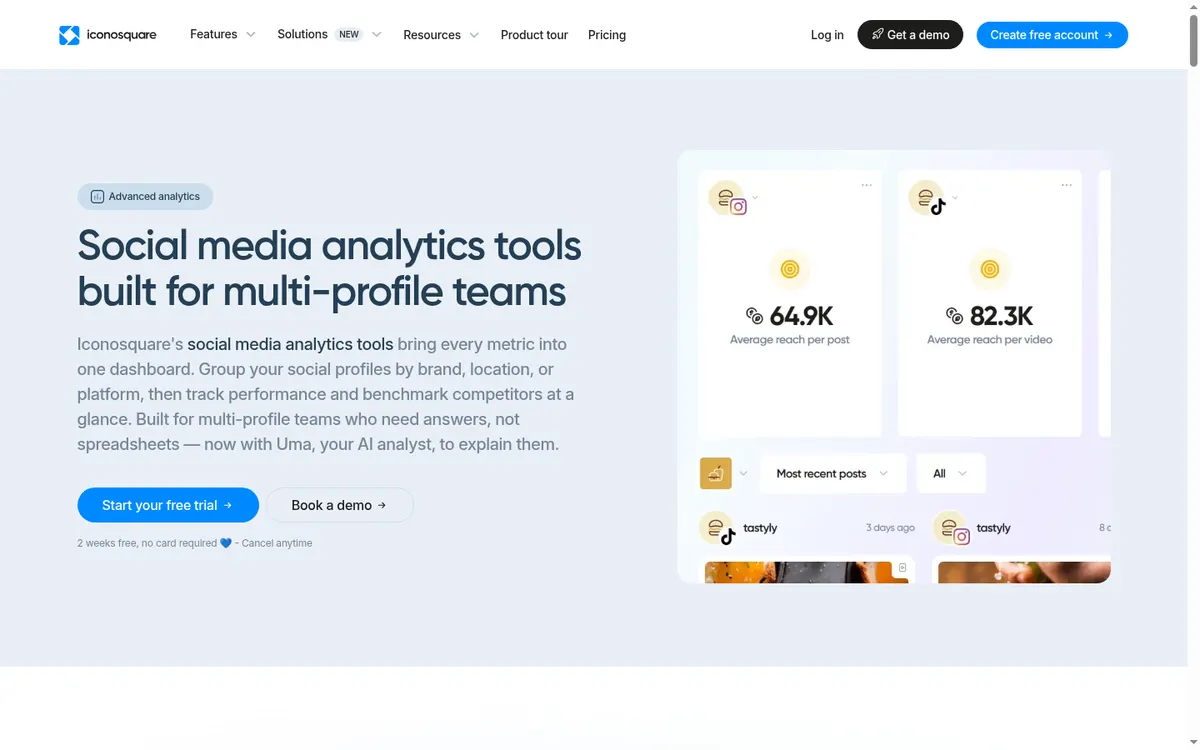
Iconosquare
Analytics-first teams managing several Instagram profiles.
Iconosquare offers profile groups, more than 100 metrics, competitor benchmarks, audience trends, automated reports, and PDF or CSV export.
Follower check: Iconosquare is suited to recurring growth reports and benchmarks. Reliable collection starts after connection; older pre-connection follower history is unavailable and the preceding 30 days may be estimated.
Cost check
Iconosquare is a paid reporting product with a trial.
Main limitation
Meta does not supply complete pre-connection follower history. Iconosquare starts collecting after connection and may estimate only the preceding 30 days.
Before you connect an account
Meta's documented Insights interfaces expose counts and audience trends, not a universal named-unfollower list. Do not enter your Instagram password directly into a follower utility or grant unexplained permissions.
Use Meta's authorization screen where available, review requested permissions, enable two-factor authentication, and remove tools you no longer use. Never send an Instagram password to an unknown app or person.
Questions about follower tracking apps
Can an app safely tell me exactly who unfollowed me?
Approved analytics focus on aggregate gains, losses, growth, and audience patterns. Apps promising every named unfollower or blocker deserve extra scrutiny.
What follower metrics should I track?
Track net growth, follows and unfollows around specific posts or campaigns, audience activity, and the share of profile visits that become follows.
Why do follower tools show different totals?
Time zones, refresh timing, audience thresholds, connection dates, deleted accounts, and Meta API changes can produce different snapshots.
What is the safest follower tracker?
Instagram Insights and Meta Business Suite use first-party data. Approved third-party dashboards are useful when you need reports across accounts or networks.
Keep improving
Related Instagram guides
Analytics comparison
Instagram Analytics Apps
Compare Instagram analytics apps for first-party insights, follower growth, content reporting, competitors, exports, teams, and multiple profiles.
Read guide →Account decision guide
Instagram Account Types
Choose between Personal, Creator, and Business accounts by comparing privacy, Insights, contact details, and the job your profile needs to do.
Read guide →Practical checklist
Instagram Profile Audit
Review your bio, picture, pins, grid, captions, links, and public-profile safety in 15 minutes.
Read guide →