Analytics comparison
Best Instagram Analytics Apps in 2026
Start with Instagram Insights for first-party data. Metricool is the best broad-value upgrade for many small teams, while Sprout Social and Iconosquare make more sense for agencies and reporting-heavy organizations.
Published and reviewed by the Roastagram team ·
How we picked these apps
We compared official product documentation for profile and content metrics, audience thresholds, historical data, exports, competitor reports, paid and organic reporting, team use, and Meta API limitations.
Features, prices, and access rules were checked against official vendor pages on . Prices and product interfaces can change, so confirm the current offer before paying.
#1 · Best for
Instagram Insights
Creators and businesses starting with first-party Instagram data.
Insights reports reach, engagement, views, content performance, audience activity, and follower trends directly inside Instagram. It should be the baseline before paying for a third-party dashboard.
Cost check
Instagram Insights is included for public personal and professional accounts.
Main limitation
It is available to public personal and professional accounts. Follower trends require at least 100 followers, while audience demographics require reaching or engaging more than 100 viewers.
#2 · Best for
Meta Business Suite
Businesses managing only Instagram and Facebook.
Meta's own tool schedules posts, Stories, and Reels and combines drafts, previews, inbox activity, media, and cross-Meta reporting. It avoids adding another publisher between the account and Meta.
Cost check
Meta describes Business Suite as free.
Main limitation
It is a Meta-only workspace, not a cross-network calendar, and setup normally depends on a connected Facebook Page and the right asset permissions.
#3 · Best for
Metricool
Solo marketers who want scheduling, account analytics, competitors, and ad reporting together.
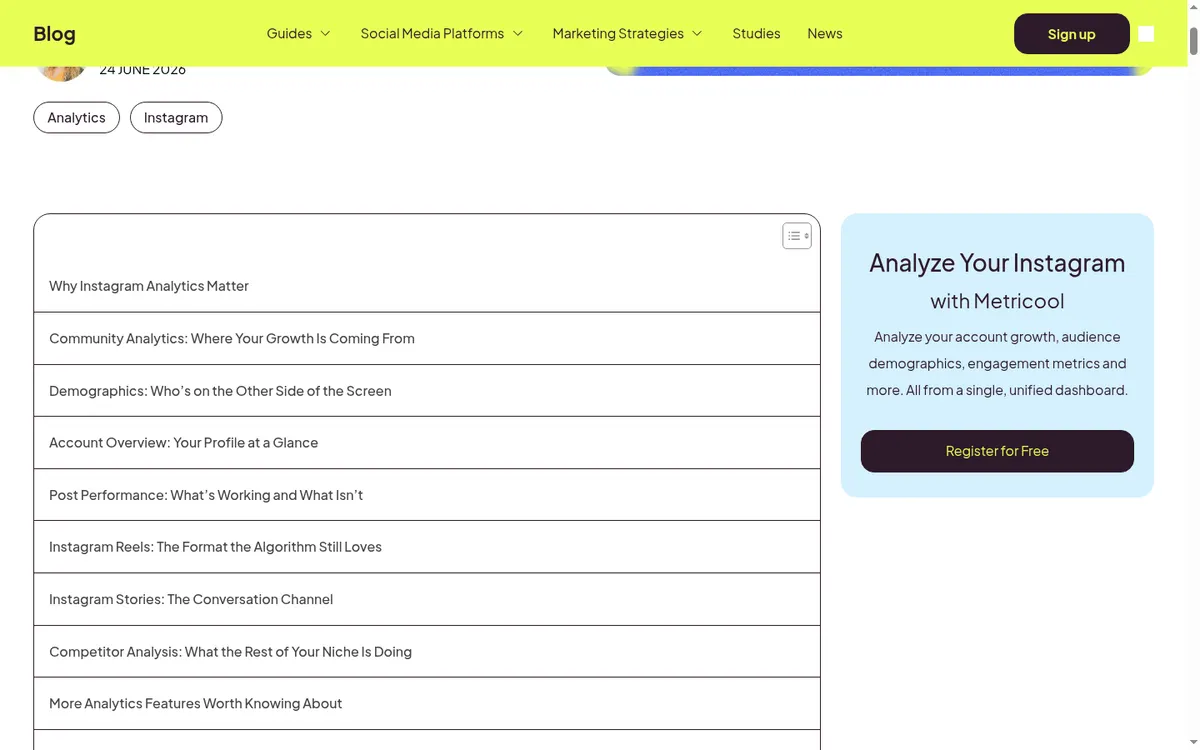
Metricool connects content planning with growth, engagement, audience, competitor, and advertising reports. Its planner also includes a feed preview, best-time data, first comments, and CSV planning.
Cost check
Metricool lists a limited free plan for one brand; team and approval controls sit on higher tiers.
Main limitation
Useful Instagram audience metrics require a professional account, and some Meta-supplied demographics require at least 100 followers.
#4 · Best for
Buffer Insights
Straightforward growth and content reports for a small team.
Buffer presents follower changes, top posts, engagement, benchmarks, and cross-channel summaries without the density of an enterprise analytics suite.
Cost check
Core Insights is included on Buffer's Free plan. Paid plans add longer history and client-ready exports.
Main limitation
Longer history and export features depend on paid access, and Buffer is not a social-listening platform.
#5 · Best for
Later Analytics
Creators already scheduling visual content in Later.
Later combines follower growth, audience activity, post, Reel, Story, and hashtag results with the same workflow used to plan content.
Cost check
Analytics depth depends on the paid Later plan.
Main limitation
It requires a Creator or Business profile. Audience details require enough followers, several metrics need higher plans, and full analytics are not available on Android.
#6 · Best for
Sprout Social
Larger organizations that need governance and client-ready reporting.
Sprout compares profiles, brands, locations, competitors, campaigns, and paid and organic results. Publishing adds permissions, approval workflows, assets, optimal-send suggestions, and stakeholder reports.
Cost check
Sprout is a paid, per-seat product with a trial.
Main limitation
Per-seat pricing is hard to justify for small teams, and listening and advanced analytics can cost extra.
#7 · Best for
Hootsuite
Established teams that need publishing, inbox, analytics, and monitoring across networks.
Hootsuite combines scheduling with cross-network dashboards, competitor benchmarks, audience growth, content performance, posting-time recommendations, and formal approval options.
Cost check
Hootsuite's current plans page starts with paid subscriptions and a time-limited trial.
Main limitation
It is expensive for a creator who only needs Instagram. Advanced approvals and governance are tied to higher plans.
#8 · Best for
Iconosquare
Analytics-first teams managing several Instagram profiles.
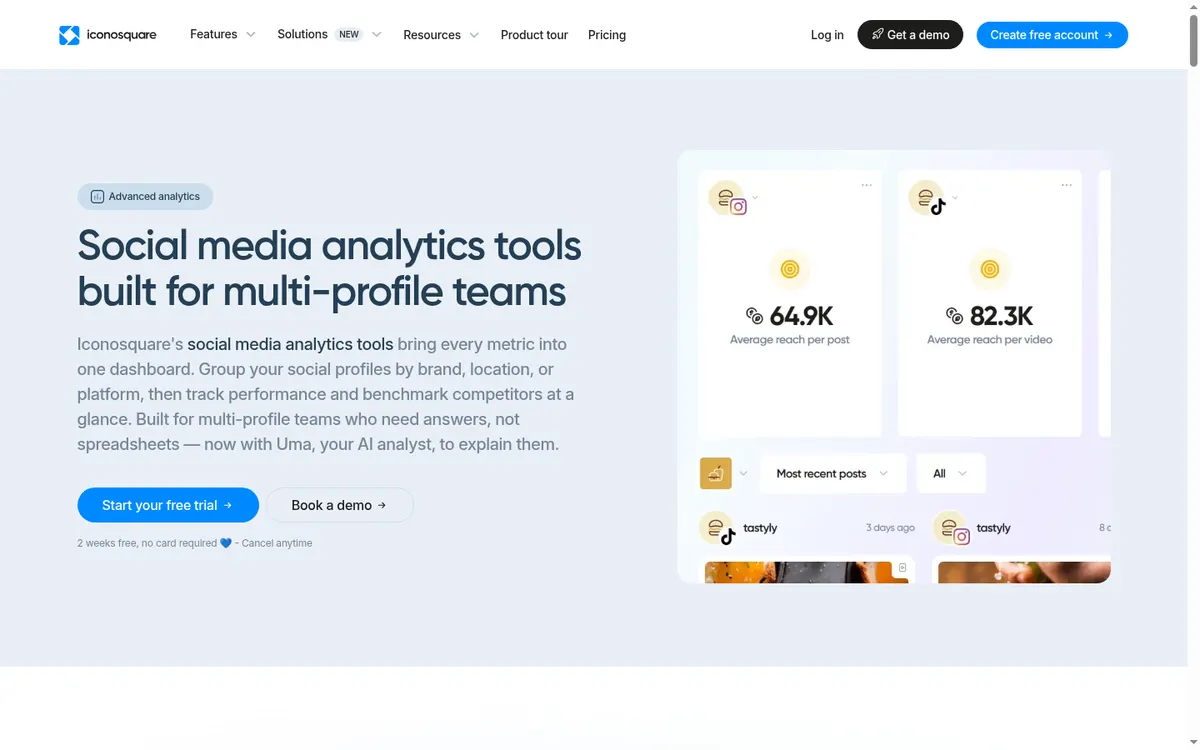
Iconosquare offers profile groups, more than 100 metrics, competitor benchmarks, audience trends, automated reports, and PDF or CSV export.
Cost check
Iconosquare is a paid reporting product with a trial.
Main limitation
Meta does not supply complete pre-connection follower history. Iconosquare starts collecting after connection and may estimate only the preceding 30 days.
Before you connect an account
No third-party dashboard can recover every historical metric that Meta never supplied. Connect tools before you need a long baseline, and treat modeled or estimated history as different from first-party observations.
Use Meta's authorization screen where available, review requested permissions, enable two-factor authentication, and remove tools you no longer use. Never send an Instagram password to an unknown app or person.
Questions about instagram analytics apps
What is the best free Instagram analytics app?
Instagram Insights is the best first stop for public personal and professional accounts. Meta Business Suite adds cross-Meta reporting for connected business assets.
Do Instagram analytics apps work with personal accounts?
Native Instagram Insights works with public personal accounts as well as professional accounts. Many third-party API dashboards still require a Creator or Business account.
Can an analytics tool recover old follower history?
Usually not in full. Several tools begin reliable collection when the account is connected, and some can only estimate a short earlier period.
Which analytics app is best for agencies?
Sprout Social, Iconosquare, Metricool, and Hootsuite all support multi-profile reporting, but their price, exports, permissions, and listening features differ sharply.
Keep improving
Related Instagram guides
Practical checklist
Instagram Profile Audit
Review your bio, picture, pins, grid, captions, links, and public-profile safety in 15 minutes.
Read guide →Safe follower analytics
Follower Tracking Apps
Compare safe Instagram follower tracking apps for growth, gains and losses, demographics, active times, benchmarks, and multi-profile reports.
Read guide →Account decision guide
Instagram Account Types
Choose between Personal, Creator, and Business accounts by comparing privacy, Insights, contact details, and the job your profile needs to do.
Read guide →