Story design comparison
Best Instagram Story Apps in 2026
Canva is the strongest general-purpose choice, Unfold produces cleaner editorial sequences, and Mojo focuses on animated Stories. VistaCreate is a practical alternative for small-business campaign templates.
Published and reviewed by the Roastagram team ·
How we picked these apps
We reviewed official product pages for Story templates, video, animation, captions, music, stock assets, brand controls, collaboration, export, mobile and desktop support, and free-plan limits.
Features, prices, and access rules were checked against official vendor pages on . Prices and product interfaces can change, so confirm the current offer before paying.
#1 · Best for
Canva
Teams that need a large template library and reusable brand layouts.
Canva combines Story templates, stock media, animation, brand controls, collaboration, and direct download or sharing.
Cost check
Canva offers free and paid tiers; pricing varies by region.
Main limitation
Its huge general-purpose library can take longer to navigate than a Stories-only app.
#2 · Best for
Unfold
Minimal editorial Stories and multi-frame visual narratives.
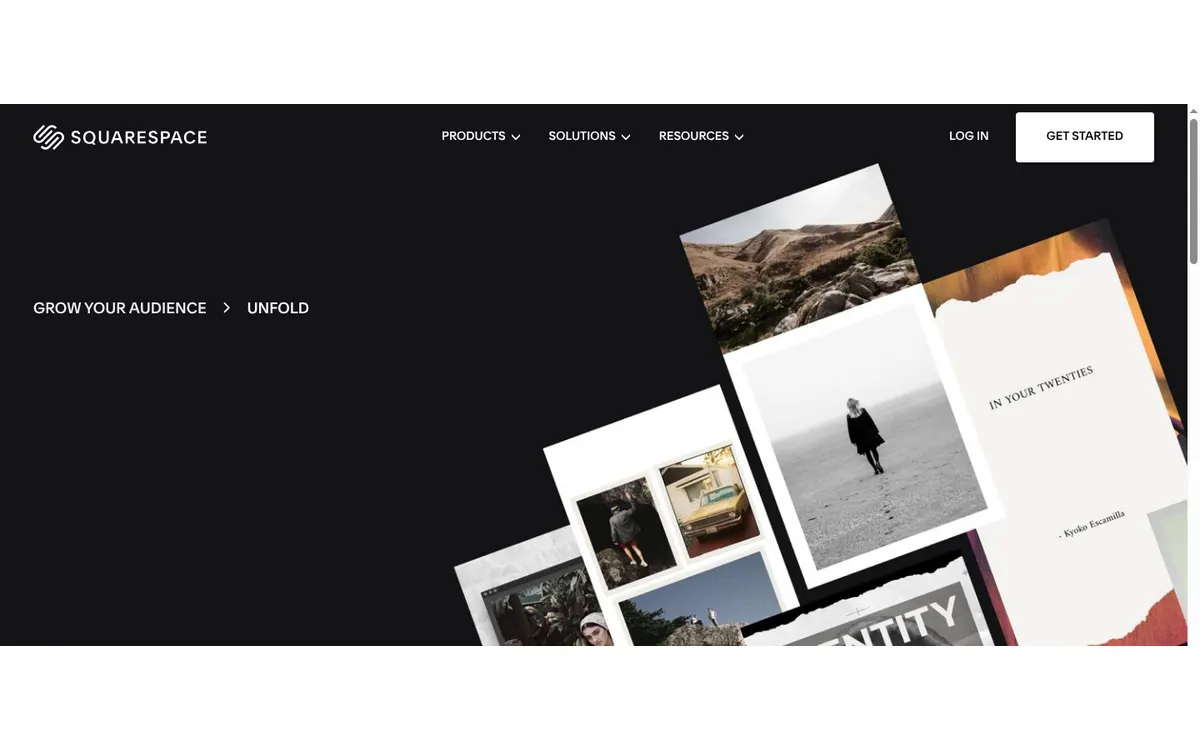
Unfold includes Story, post, and video templates, storyboards, filters, type, effects, music, export, and scheduling with a restrained editorial style.
Cost check
Free and paid features vary by platform and subscription.
Main limitation
Its recognizable template aesthetic can become repetitive without real customization.
#3 · Best for
Mojo
Animated Stories, moving type, captions, and short promos.
Mojo provides hundreds of animated templates, text styles, music, Reel tools, and automatic video captions.
Cost check
The app offers in-app purchases; confirm local store pricing.
Main limitation
It is mobile-first, includes in-app purchases, and centers template adaptation rather than detailed motion design.
#4 · Best for
VistaCreate
Small businesses adapting campaign templates with stock media.
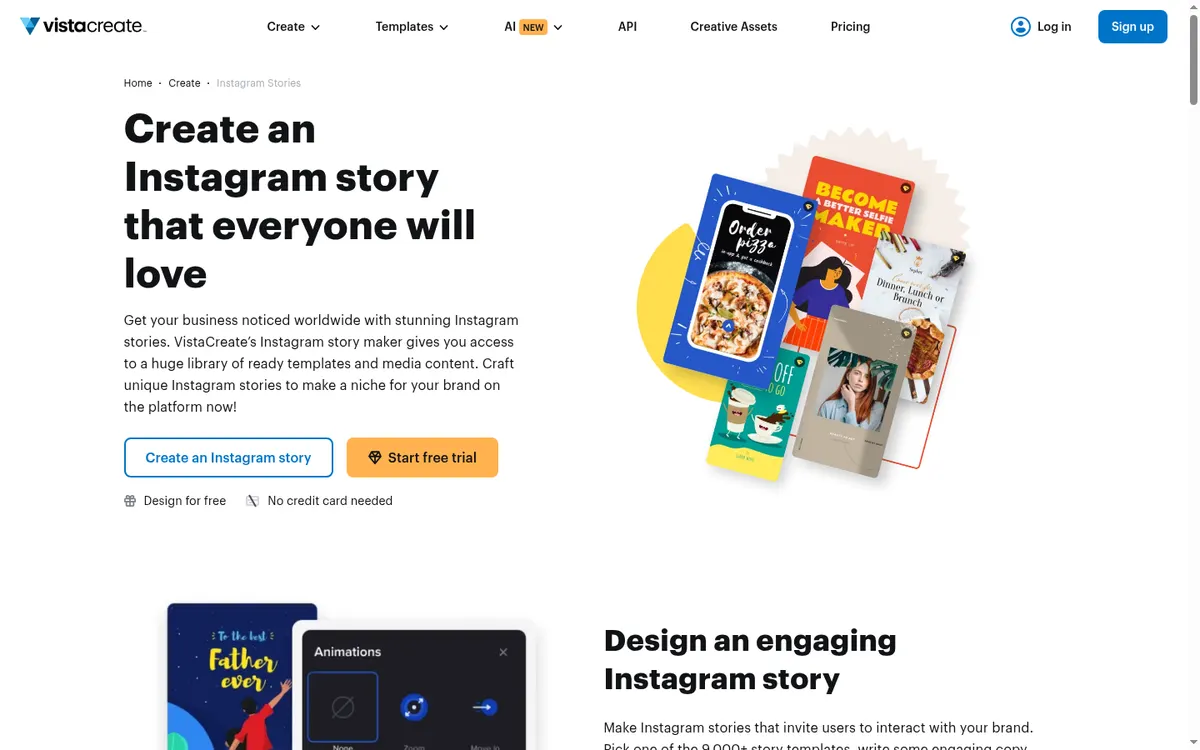
VistaCreate offers thousands of Instagram Story templates, animation, music, stock media, and a browser editor that works well for quick campaign variations.
Cost check
VistaCreate offers free design access and a paid tier.
Main limitation
It is stronger at template adaptation than detailed video timing or custom motion design.
#5 · Best for
Planoly
Creators who want grid planning within a broader social calendar.
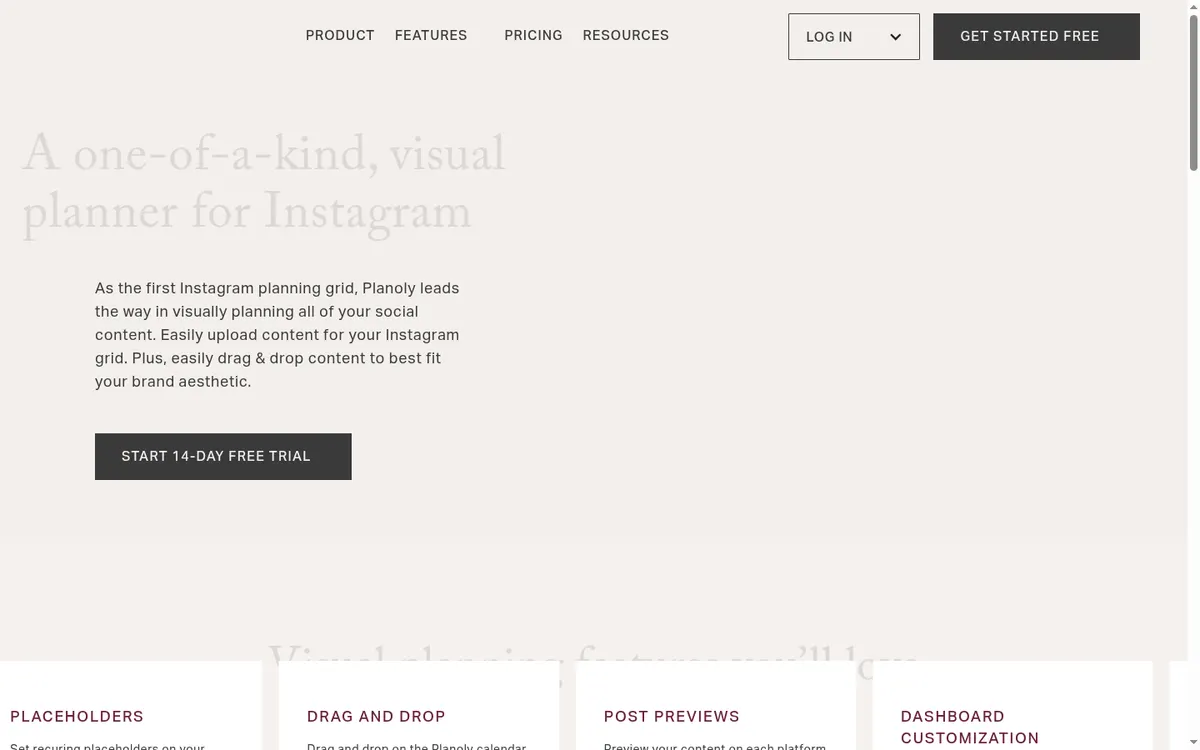
Planoly combines drag-and-drop feed planning, recurring placeholders, post previews, caption and hashtag tools, media, and scheduling.
Cost check
Planoly's current limits depend on the selected paid plan.
Main limitation
Its multi-channel features add complexity if the only requirement is a quick visual mock-up.
Before you connect an account
A template should support the message rather than become the message. Keep text inside safe areas, add captions to spoken video, maintain readable contrast, and test each frame at phone size.
Use Meta's authorization screen where available, review requested permissions, enable two-factor authentication, and remove tools you no longer use. Never send an Instagram password to an unknown app or person.
Questions about instagram story apps
What is the best app for Instagram Stories?
Canva is the best general recommendation. Unfold suits restrained editorial layouts, while Mojo is better for animated template sequences.
What is the best free Instagram Story app?
Canva and VistaCreate offer useful free creation. Exact premium assets and export options can change, so check the current plan before relying on a template.
Which Story app is best for a business?
Canva and VistaCreate are practical for reusable campaign graphics. Adobe Express is another good option for teams already using Adobe brand assets.
How do I make Stories accessible?
Use high contrast, readable type, captions for speech, concise frames, and alt context in accompanying text when the image carries essential information.
Keep improving
Related Instagram guides
Stories workflow
Instagram Stories Guide for 2026
Plan, publish, and review Instagram Stories with a clear audience, one useful idea, and a deliberate route into your public profile.
Read guide →Profile organization guide
Instagram Story Highlights
Organize lasting Story Highlights around the questions a new profile visitor needs answered, then keep every collection current.
Read guide →App comparison
Instagram Scheduling Apps
Compare the best Instagram scheduling apps for creators, small businesses, agencies, approvals, visual feed planning, analytics, and free publishing.
Read guide →