Visual planning comparison
Best Instagram Grid Planner Apps in 2026
Later is the strongest planner tied to scheduling, UNUM is better for detailed visual art direction, and Preview keeps the workflow simple on mobile. Use a planner to clarify the first screen, not to delay useful posts for a rigid pattern.
Published and reviewed by the Roastagram team ·
How we picked these apps
We compared official pages for live-grid imports, drag-and-drop planning, post hiding, placeholders, color tools, captions, scheduling, approvals, platform support, and ease of previewing nine tiles.
Features, prices, and access rules were checked against official vendor pages on . Prices and product interfaces can change, so confirm the current offer before paying.
#1 · Best for
Later
Visual Instagram planning tied to a publishing calendar.
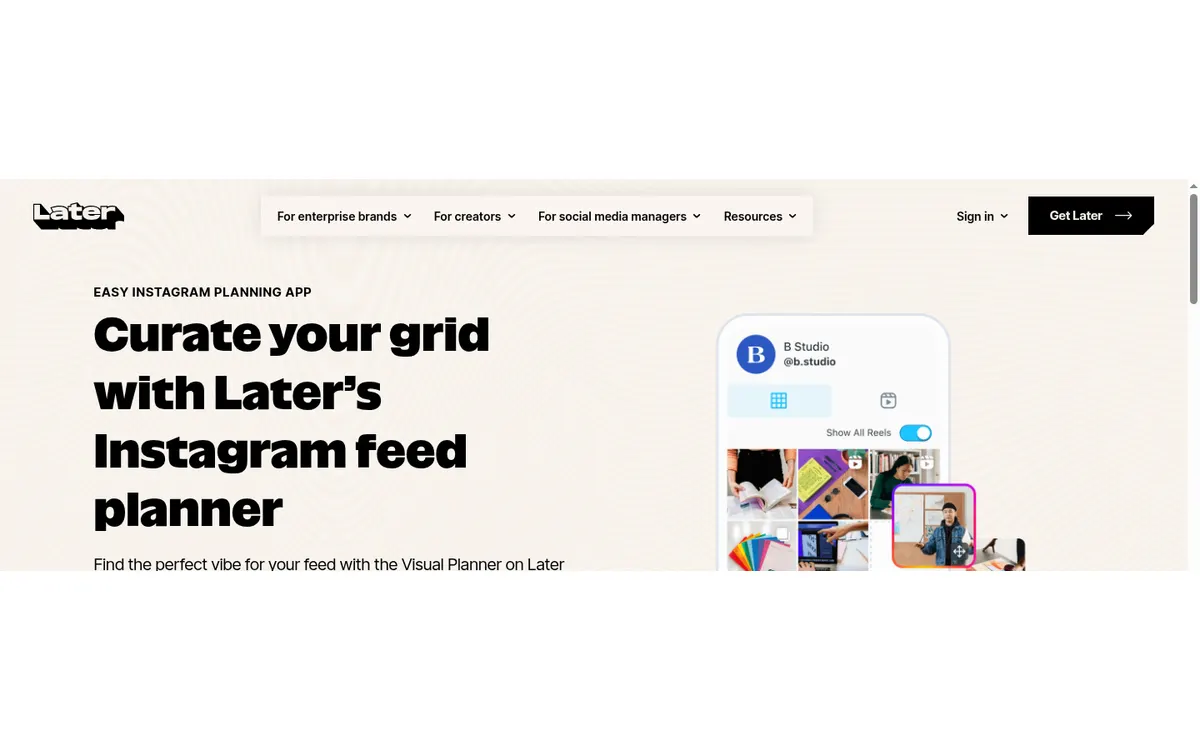
Later combines scheduling with a drag-and-drop grid preview, media library, best-time suggestions, analytics, and Link in Bio. It makes sense when the order and appearance of the next posts matter as much as their dates.
Cost check
Later documents a Free plan with limited scheduling. Paid tiers add more posts, profiles, users, analytics, and workflow features.
Main limitation
Approval features, users, analytics, and posting allowances depend on the plan. Some collaboration work is desktop-only.
#2 · Best for
UNUM
Visual-first brands art-directing color and composition across the feed.
UNUM offers drag-and-drop planning, Color Map, filters, hidden-post previews, scheduling, and approvals. It is stronger on feed art direction than a basic posting calendar.
Cost check
Features and limits vary by UNUM plan.
Main limitation
The wider brand workspace can feel dense when someone only wants to rearrange nine thumbnails.
#3 · Best for
Planoly
Creators who want grid planning within a broader social calendar.
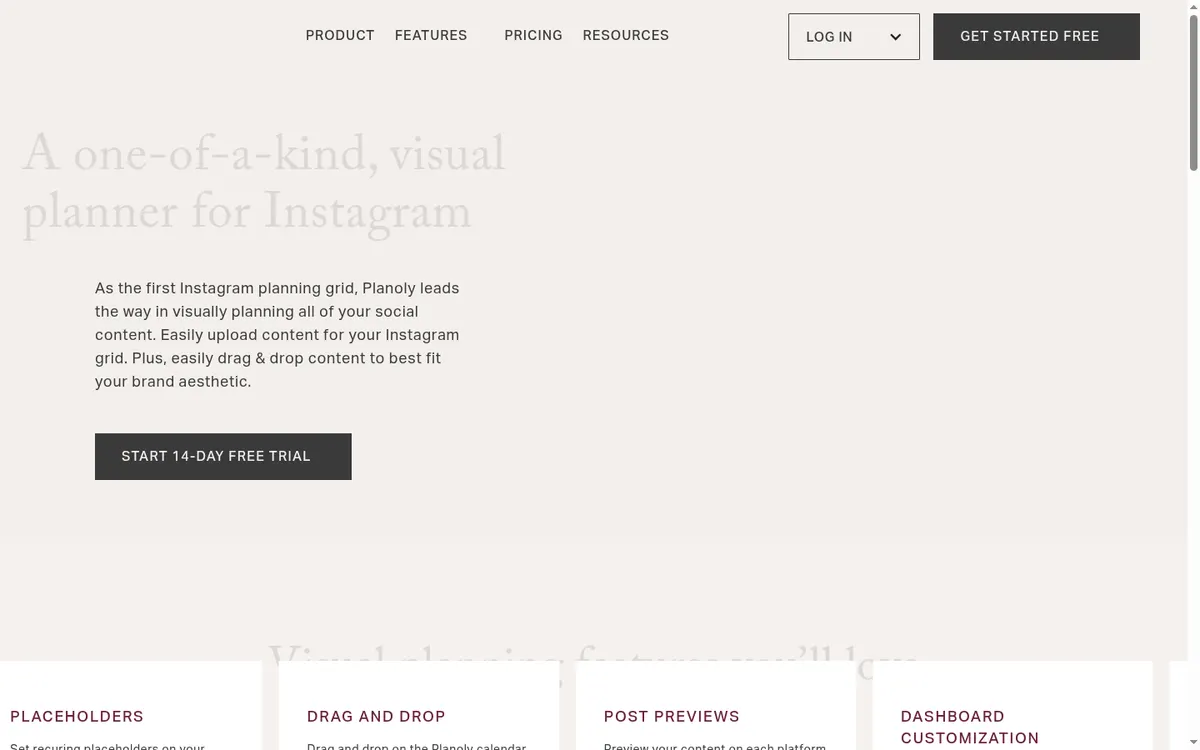
Planoly combines drag-and-drop feed planning, recurring placeholders, post previews, caption and hashtag tools, media, and scheduling.
Cost check
Planoly's current limits depend on the selected paid plan.
Main limitation
Its multi-channel features add complexity if the only requirement is a quick visual mock-up.
#4 · Best for
Preview
Mobile creators who want a simple feed preview and editing toolkit.
Preview supports post, Reel, and Story planning, feed rearrangement, editing, captions, hashtag tools, and auto-posting from one mobile app.
Cost check
The app offers in-app purchases; confirm current local pricing in the store.
Main limitation
Public product detail is clearer in the App Store than in standalone documentation, so verify platform feature parity before subscribing.
#5 · Best for
Plann
Small businesses that want strategy prompts with visual planning.
Plann adds a drag-and-drop preview, expanded grid, visual calendar, content prompts, goals, and publishing to a mobile-friendly workflow.
Cost check
Plann offers plan-dependent publishing and collaboration features.
Main limitation
It is a general content system rather than a precision feed-design application.
#6 · Best for
Buffer
Creators and small teams that want a scheduler they can understand quickly.
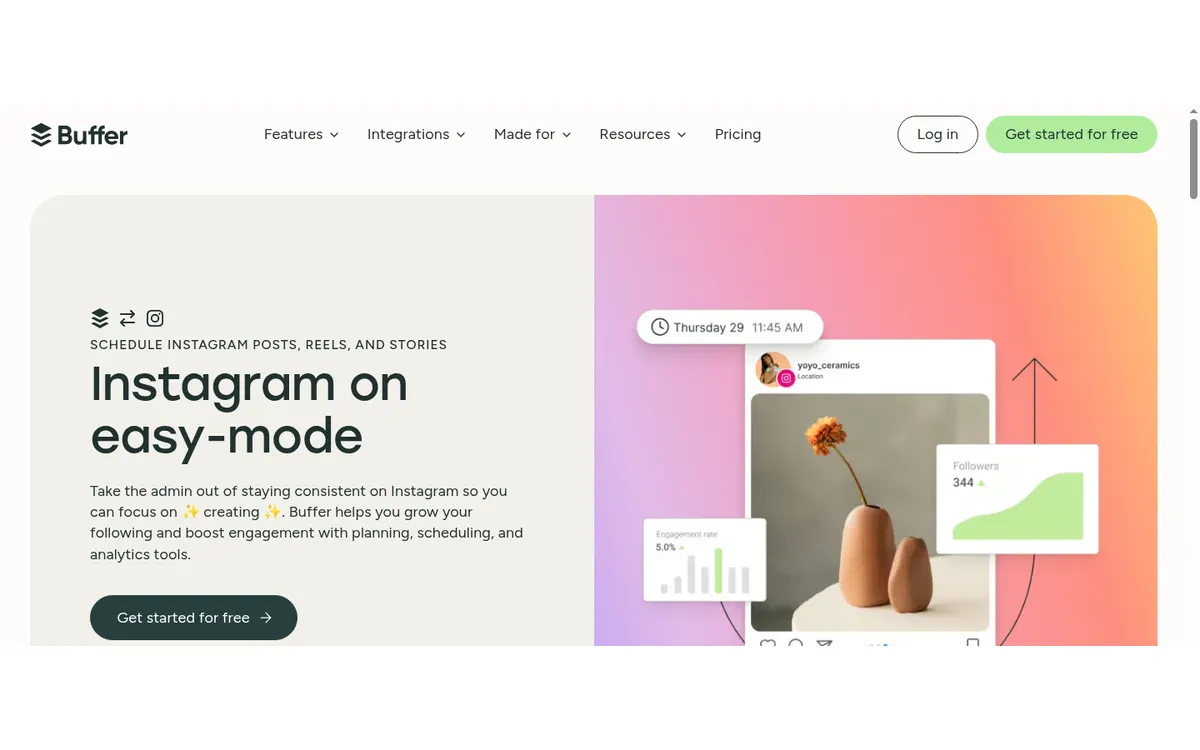
Buffer schedules Instagram posts, Stories, and Reels, supports first comments, and offers reminder-based publishing when a post needs native Instagram features. Its queue and calendar are less intimidating than a full enterprise dashboard.
Cost check
The official pricing page lists a free plan for up to three channels and 10 queued posts per channel.
Main limitation
Paid plans charge per connected channel, so costs rise when an agency adds many profiles.
Before you connect an account
A mock grid cannot predict reach or fix weak content. Check crops at phone size, make every post useful on its own, and do not publish filler just to complete a checkerboard or color sequence.
Use Meta's authorization screen where available, review requested permissions, enable two-factor authentication, and remove tools you no longer use. Never send an Instagram password to an unknown app or person.
Questions about instagram grid planners
What is the best Instagram grid planner?
Later is the best all-round choice when planning must connect to scheduling. UNUM provides more visual art-direction tools, and Preview is a simpler mobile option.
Can a grid planner rearrange posts already published?
A planner can simulate hiding or moving posts. Actual live-grid reordering depends on Instagram's own profile controls and account availability.
Do grid planners publish automatically?
Many do, but auto-publishing support varies by format and native features. Check Reels, Stories, collaborations, music, and sticker limitations.
How many posts should I preview?
Nine is enough to review one complete first screen. Planning far beyond that often becomes brittle when priorities change.
Keep improving
Related Instagram guides
Planning worksheet
Plan Your Instagram Grid
Build a flexible nine-tile plan around orientation, proof, useful posts, personality, and a clear next step.
Read guide →Current feature guide
Reorder Your Instagram Grid
Use Instagram grid reordering to surface the right work without deleting or reposting, then measure whether the new first screen helps visitors.
Read guide →Photo editor comparison
Instagram Photo Editors
Compare Instagram photo editing apps for RAW files, repeatable color, selective corrections, free precision edits, film presets, retouching, and collages.
Read guide →