Photo editor comparison
Best Instagram Photo Editing Apps in 2026
Lightroom is the best all-round choice for repeatable color and RAW files, Snapseed provides the strongest free precision toolkit, and Afterlight or VSCO suit preset-led film aesthetics. Choose based on the work you repeat most.
Published and reviewed by the Roastagram team ·
How we picked these apps
We checked official product pages for RAW support, selective editing, presets, healing, color controls, retouching, batch consistency, desktop sync, collaboration, export, and current access model.
Features, prices, and access rules were checked against official vendor pages on . Prices and product interfaces can change, so confirm the current offer before paying.
#1 · Best for
Adobe Lightroom
Repeatable color, selective edits, RAW files, and a consistent feed look.
Lightroom offers professional color controls, selective masks, distraction removal, background blur, presets, and synced mobile and desktop editing.
Cost check
Adobe offers plan-dependent Lightroom access; check local official pricing.
Main limitation
It takes longer to learn than a one-tap filter app, and advanced and cloud features require a paid plan.
#2 · Best for
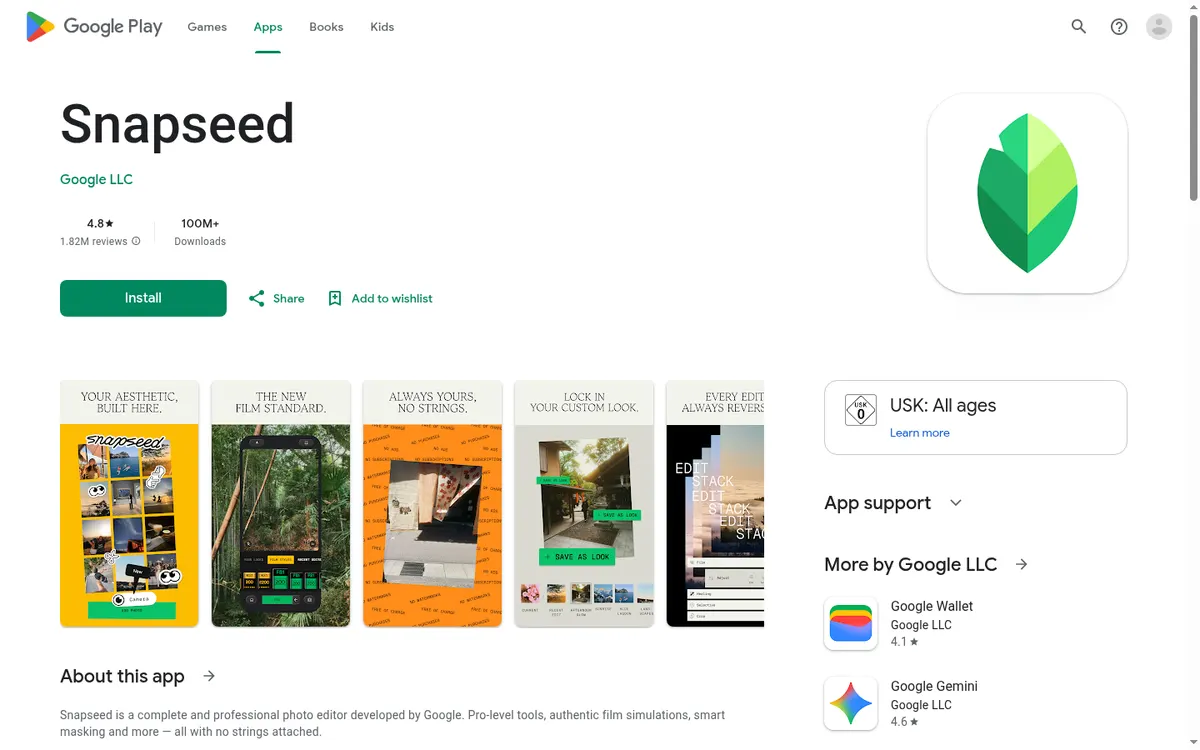
Snapseed
Free, detailed mobile edits without a subscription workflow.
Snapseed includes exposure and color controls, selective adjustments, masking, healing, RAW editing, film looks, and reusable custom looks.
Cost check
Google lists Snapseed as free.
Main limitation
It is mainly a single-image editor without shared libraries, approvals, or a team asset system.
#3 · Best for
VSCO
Film-inspired presets and a recognizable color signature.
VSCO edits RAW and JPEG files with film emulations, presets, mobile and desktop tools, and cinematic grading options.
Cost check
VSCO offers free access plus paid memberships; local prices can vary.
Main limitation
Much of the preset library and advanced editing value sits behind a membership.
#4 · Best for
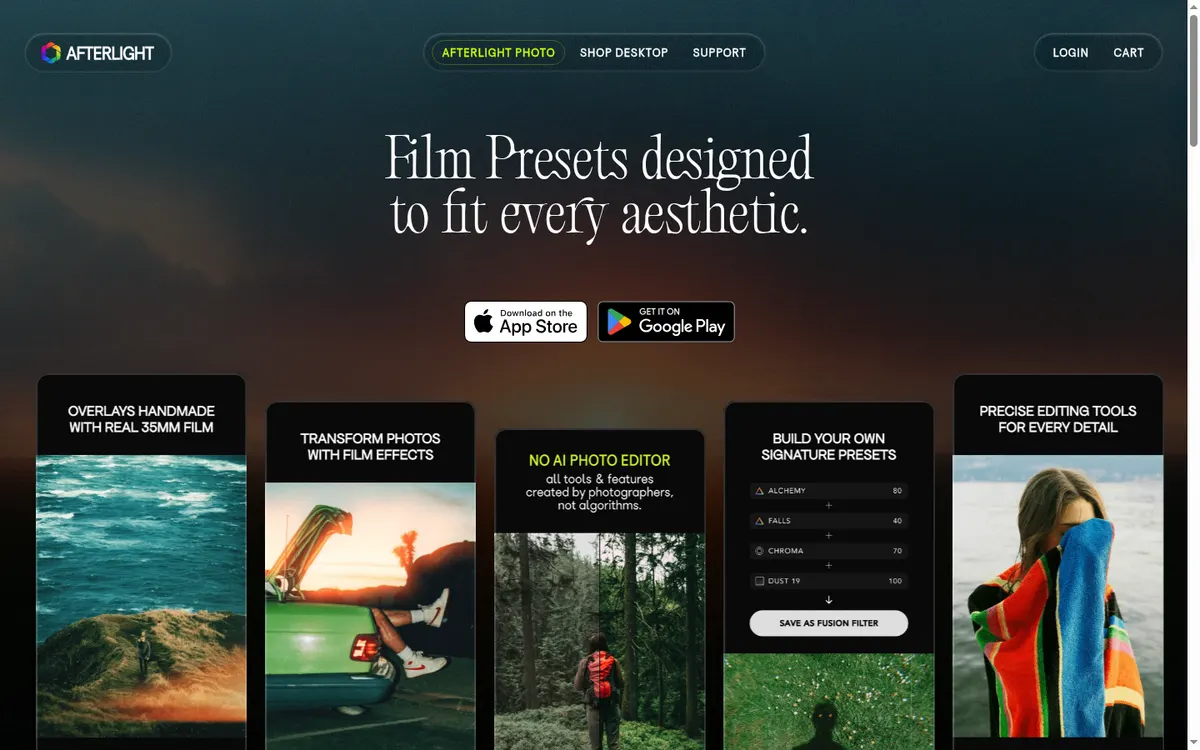
Afterlight
Film textures, grain, light leaks, frames, and stylized feed photography.
Afterlight combines filters, textures, HSL, curves, touch tools, double exposure, prism effects, and instant-film frames in a focused mobile editor.
Cost check
Afterlight's official FAQ lists a free download and optional Pro subscription.
Main limitation
It is stronger at stylization than asset management, batch production, or collaboration.
#5 · Best for
Photoshop Express
Fast corrections, collages, social graphics, and simple retouching.
Photoshop Express provides one-touch adjustments, transformations, effects, collage tools, retouching, and quick sharing in a simpler package than desktop Photoshop.
Cost check
Adobe offers free and premium mobile features.
Main limitation
It is deliberately less capable than full Photoshop, while Lightroom is better for RAW catalog and repeatable color workflows.
Before you connect an account
Aggressive smoothing, reshaping, saturation, and AI cleanup can erase texture or misrepresent a product. Keep an original file, edit on a calibrated-enough display, and review the final crop at Instagram size.
Use Meta's authorization screen where available, review requested permissions, enable two-factor authentication, and remove tools you no longer use. Never send an Instagram password to an unknown app or person.
Questions about instagram photo editors
What is the best free Instagram photo editor?
Snapseed offers the strongest free precision controls. Photoshop Express also works well for quick corrections and collages.
Which app is best for a consistent Instagram feed?
Lightroom is strongest for reusable presets and controlled color. VSCO and Afterlight are faster when a preset-led film look is the goal.
Should I edit photos before uploading to Instagram?
Usually yes. Keep a high-quality master, export for the intended crop, and avoid repeated save cycles that degrade the image.
Do I need RAW editing for Instagram?
No, but RAW gives photographers more latitude for exposure and color corrections before the final compressed export.
Keep improving
Related Instagram guides
Visual checklist
Instagram Profile Picture
Prepare a sharp square image, preview the circular crop, and test whether your face or logo still works in Instagram’s smallest profile surfaces.
Read guide →Visual profile guide
Review Your Instagram Grid
Make the first screen explain your account through clearer themes, pins, covers, and visitor paths.
Read guide →Visual planning comparison
Instagram Grid Planners
Compare Instagram grid planner apps for drag-and-drop previews, scheduling, color flow, placeholders, approvals, captions, and mobile planning.
Read guide →