Video editor comparison
Best Instagram Reels Editing Apps in 2026
Edits is the cleanest Instagram-native option, CapCut offers the broadest fast-moving effects workflow, and InShot is excellent for quick phone edits. VN suits traditional timeline users, while Canva works better for branded templates.
Published and reviewed by the Roastagram team ·
How we picked these apps
We reviewed official editor pages for timeline control, captions, resizing, speed, keyframes, audio, templates, watermark policy, export, device support, brand tools, and team workflows.
Features, prices, and access rules were checked against official vendor pages on . Prices and product interfaces can change, so confirm the current offer before paying.
#1 · Best for
Edits by Instagram
An Instagram-native, phone-first Reels workflow.
Edits provides a clip timeline, storyboards, captions, keyframes, green screen, teleprompter, project organization, no-watermark export, and performance insights.
Cost check
Meta presents Edits as a free app.
Main limitation
It is phone-only and requires an Instagram account. It is not a desktop production or team-approval suite.
#2 · Best for
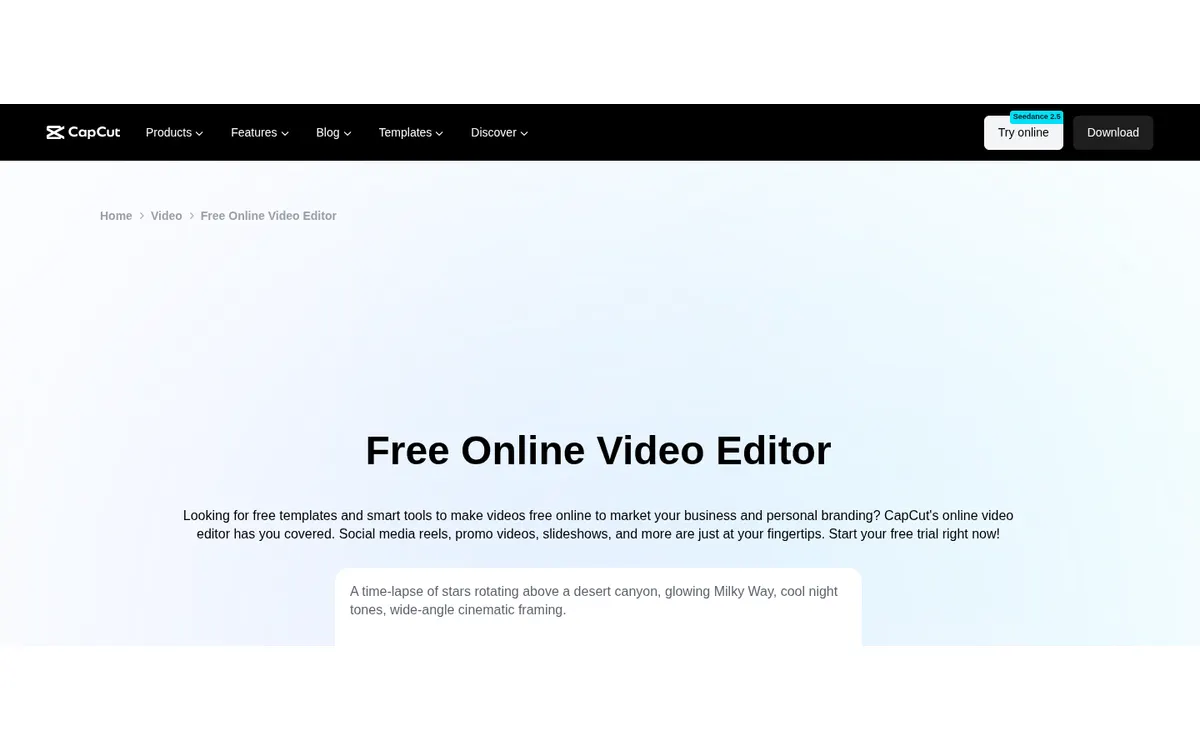
CapCut
Fast, effect-heavy Reels with captions and flexible timelines.
CapCut includes trimming, layers, transitions, captions, resizing, effects, background removal, and export controls across app and web workflows.
Cost check
Pricing varies by platform and region, so check the current official offer before buying.
Main limitation
The template and effect library can make the interface busy, and it has less formal brand governance than team-oriented design suites.
#3 · Best for
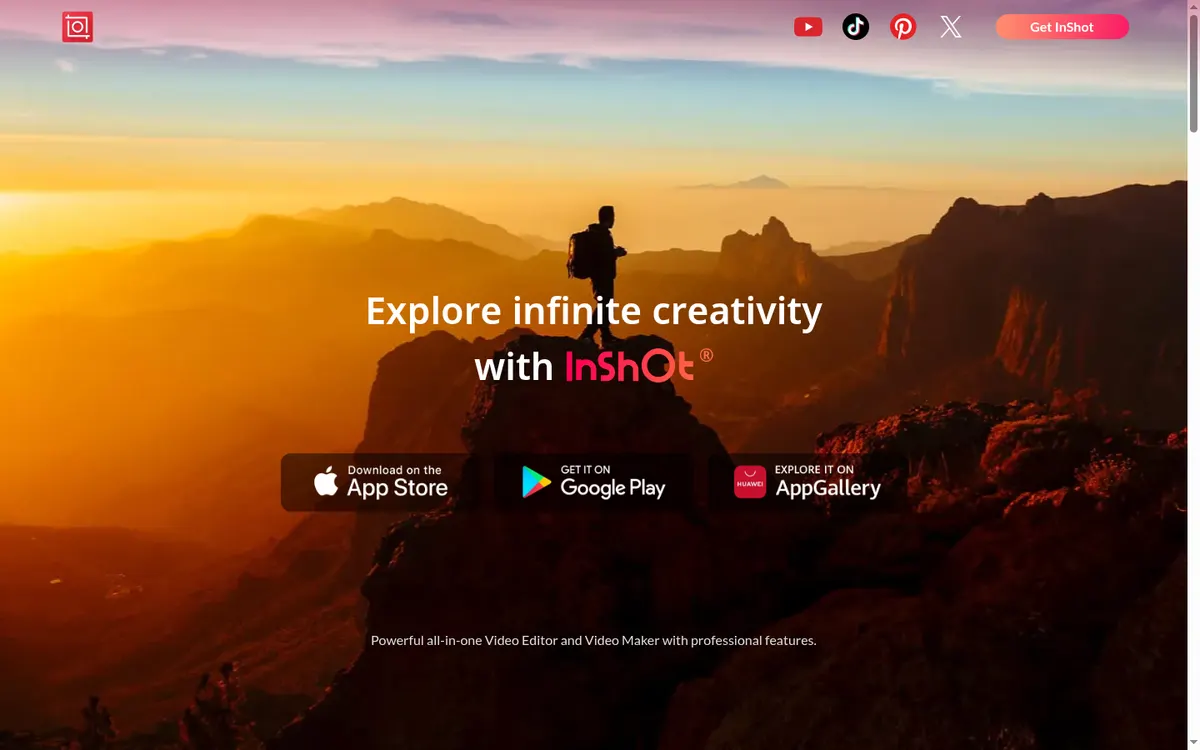
InShot
Quick phone edits, captions, speed changes, tracking, and social crops.
InShot covers auto captions, speech enhancement, stabilization, beat detection, cutouts, slow motion, HSL controls, speed curves, and object tracking.
Cost check
The app offers free and paid features; store pricing varies.
Main limitation
It is app-first and provides fewer desktop collaboration and brand-management controls than larger suites.
#4 · Best for
VN
Creators who prefer a traditional multi-track mobile editor.
VN offers multi-track editing, beat-based templates, effects, keyframes, and exports without a watermark.
Cost check
The app is free to download with in-app purchases.
Main limitation
It has fewer shared brand-kit and approval controls than Canva or Adobe Express.
#5 · Best for
Canva
Branded Reels assembled from templates, graphics, and stock assets.
Canva makes it easy to reuse brand styles, combine clips with graphics, add music, and export social video from desktop or mobile.
Cost check
Canva offers free and paid tiers; prices are account and region sensitive.
Main limitation
It is better for template-led production than complex frame-accurate timeline editing.
Before you connect an account
Do not select an editor only for trendy templates. Check export resolution, watermark rules, caption accuracy, music rights, project backup, and whether another teammate can reopen the source project.
Use Meta's authorization screen where available, review requested permissions, enable two-factor authentication, and remove tools you no longer use. Never send an Instagram password to an unknown app or person.
Questions about reels editing apps
What is the best free app for editing Instagram Reels?
Edits, CapCut, InShot, and VN all offer useful free workflows with different limits. Check current watermark and export rules before committing to a project.
Is Edits better than CapCut?
Edits is simpler and tightly connected to Instagram. CapCut offers a broader effects and timeline ecosystem. The better choice depends on editing depth and platform preference.
Which app is best for automatic captions?
Edits, CapCut, and InShot all support caption workflows. Always proofread names, numbers, and technical terms before publishing.
Which Reels editor is best for teams?
Canva is easier for shared brand templates. Dedicated mobile editors usually provide stronger timeline tools but weaker approvals and asset governance.
Keep improving
Related Instagram guides
Creator checklist
Instagram Original Content Checklist
Use Instagram’s current originality rules to review photos, carousels, reels, memes, and collaborations before posting.
Read guide →Caption writing guide
How to Write an Instagram Caption
Write clearer Instagram captions with a strong first line, useful context, an honest next action, and an accessibility check.
Read guide →App comparison
Instagram Scheduling Apps
Compare the best Instagram scheduling apps for creators, small businesses, agencies, approvals, visual feed planning, analytics, and free publishing.
Read guide →